
Escolha o seu sistema e ligue-se.
No Windows, use a versão portátil para uma ajuda rápida ou o instalador para o trabalho diário. Usa outro sistema? Escolha macOS ou Linux.
Do problema à solução.
Ligue-se ao computador de um cliente, envie o ficheiro de que precisa ou ajude alguém em casa. Tudo numa só aplicação.
Ligação encriptada
A troca de chaves RSA e a encriptação AES de 256 bits protegem os dados transferidos durante a sessão.
Saiba o que está a executar
Os ficheiros do programa têm assinatura digital, por isso pode confirmar o editor antes de abrir a aplicação.
Ajude familiares e amigos gratuitamente
A utilização pessoal não exige um plano pago. Transfira a aplicação e comece sem criar conta.
Sem configurar o router
Quando não é possível uma ligação direta, a aplicação pode ligar-se através de um servidor intermediário.
Um ID e uma palavra-passe
Cada computador tem o seu próprio ID. Ao iniciar a aplicação é gerada uma nova palavra-passe de sessão.
Ecrã, ficheiros e área de transferência
Controle o ambiente de trabalho remoto, transfira ficheiros e copie texto entre computadores.
Livro de endereços
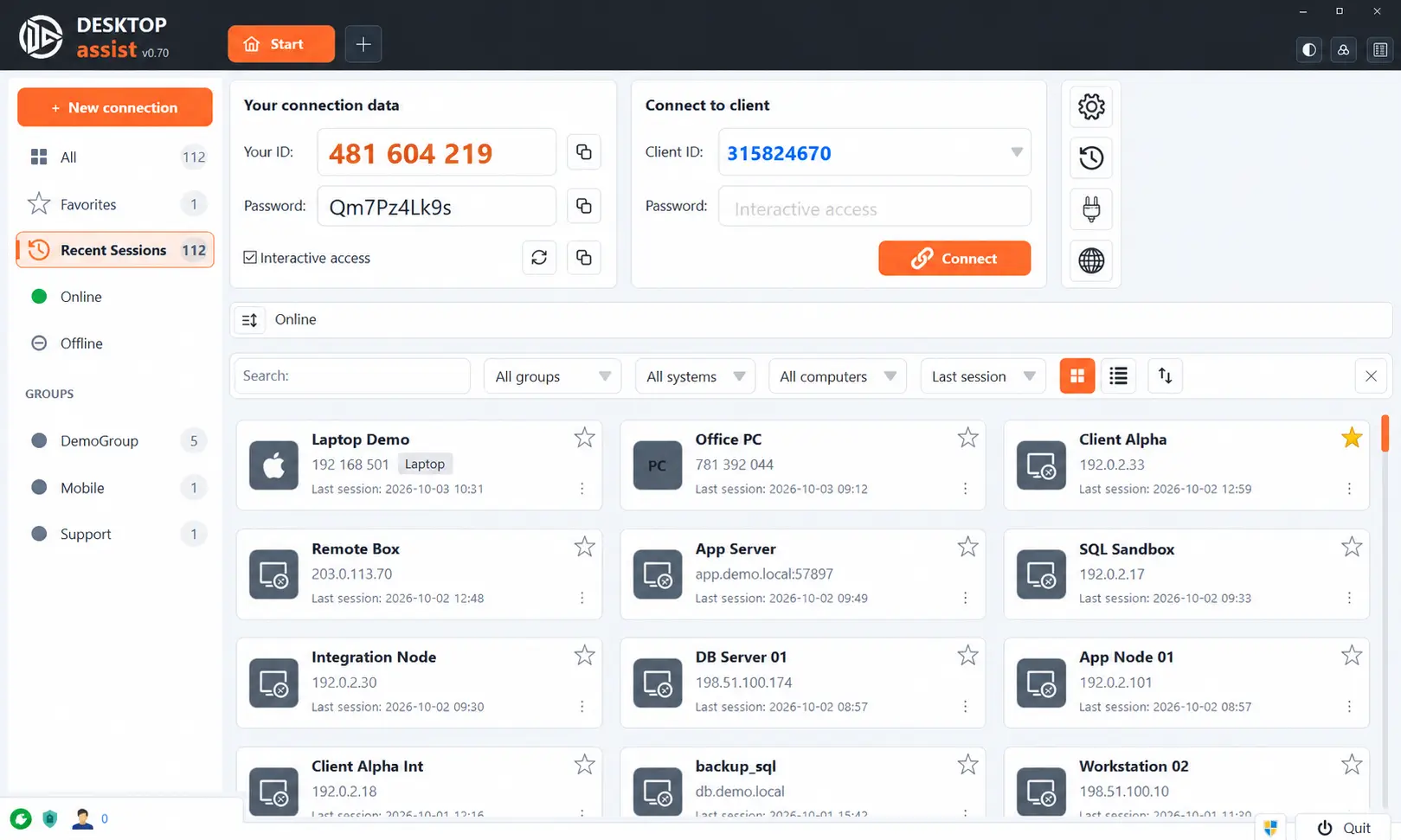
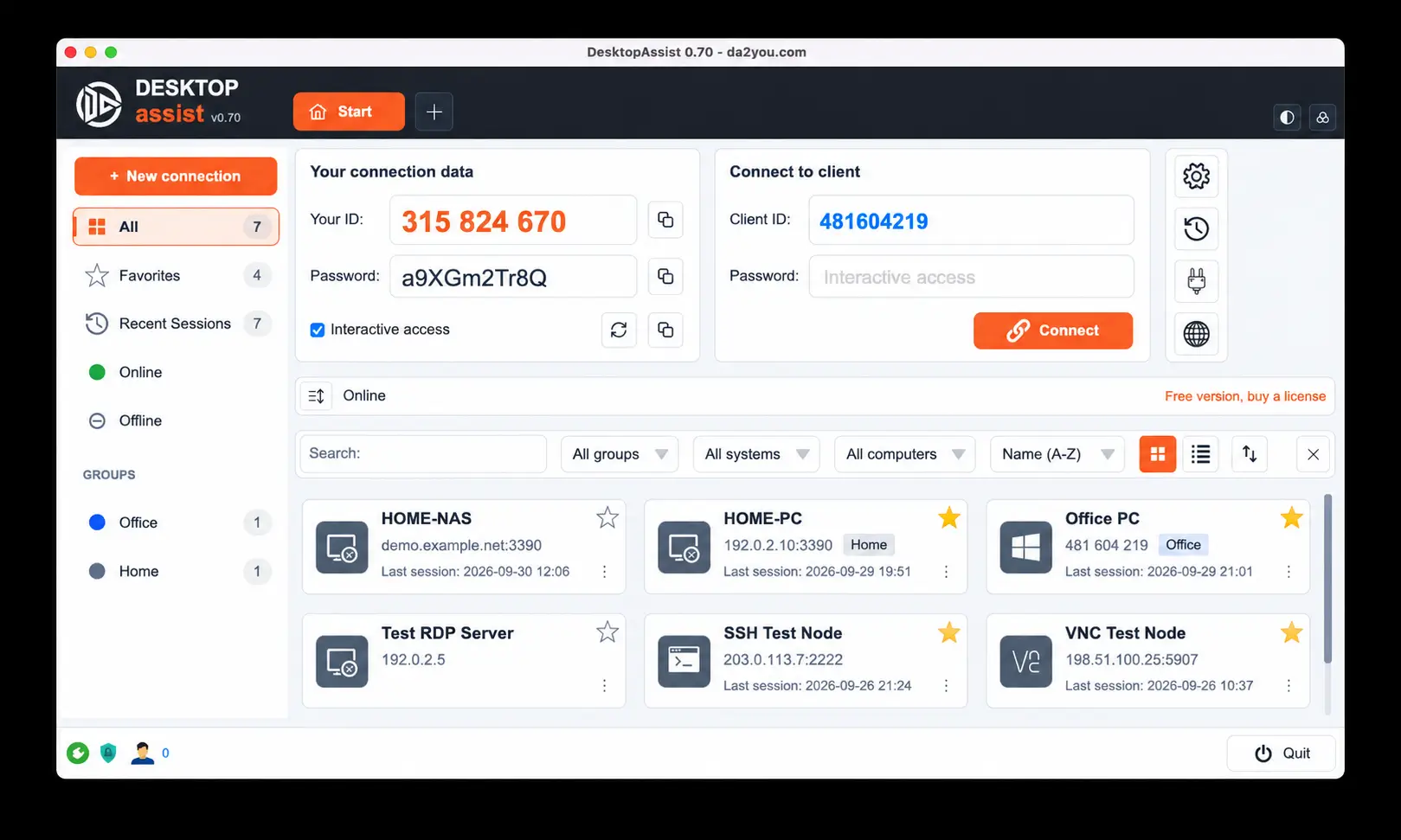
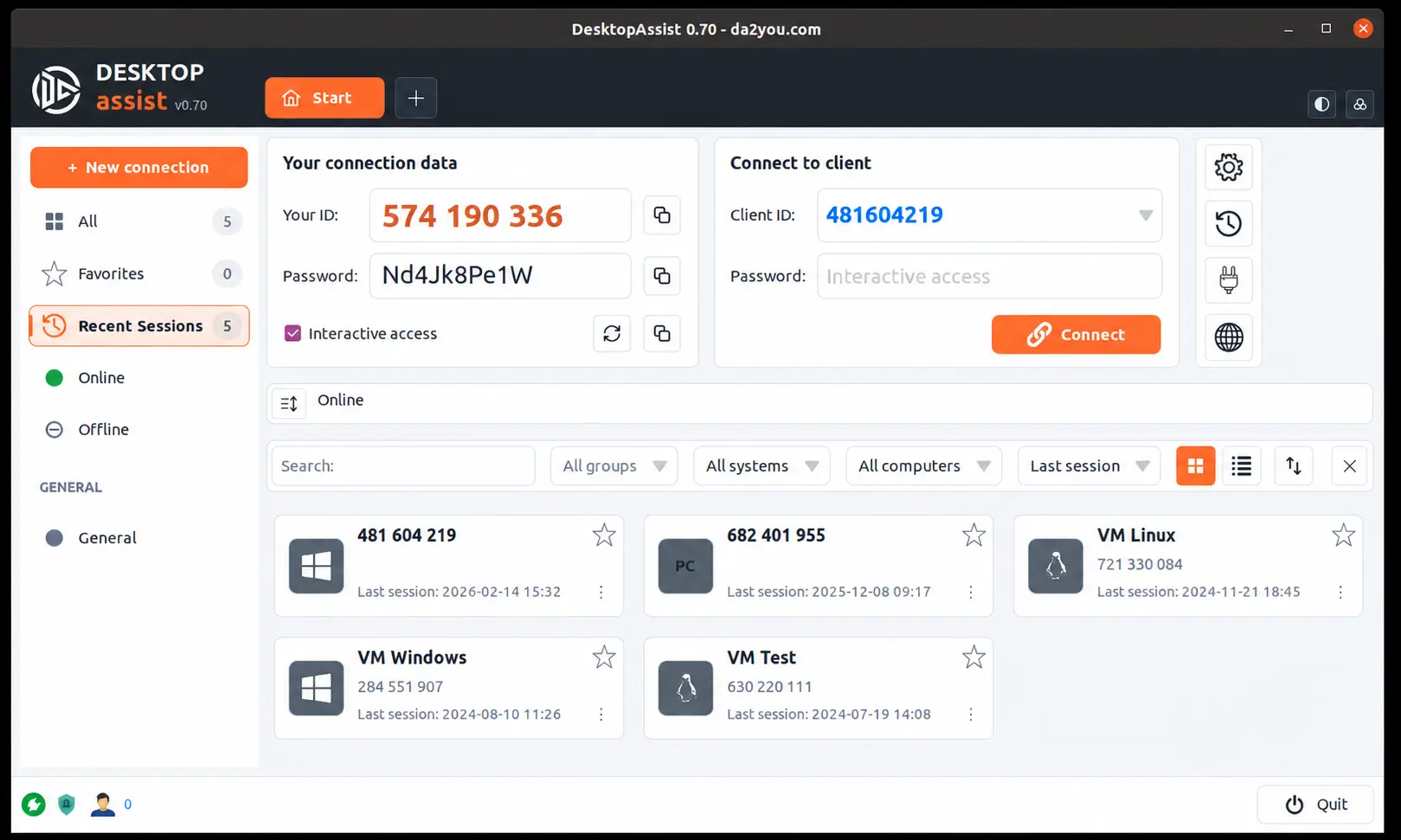
Computadores e servidores guardados num só lugar, com grupos, favoritos, pesquisa e ordenação pela última sessão.
Sessões em separadores
Cada ligação abre num separador próprio. Arraste um separador para fora da aplicação para o abrir numa janela própria.
Um novo visual
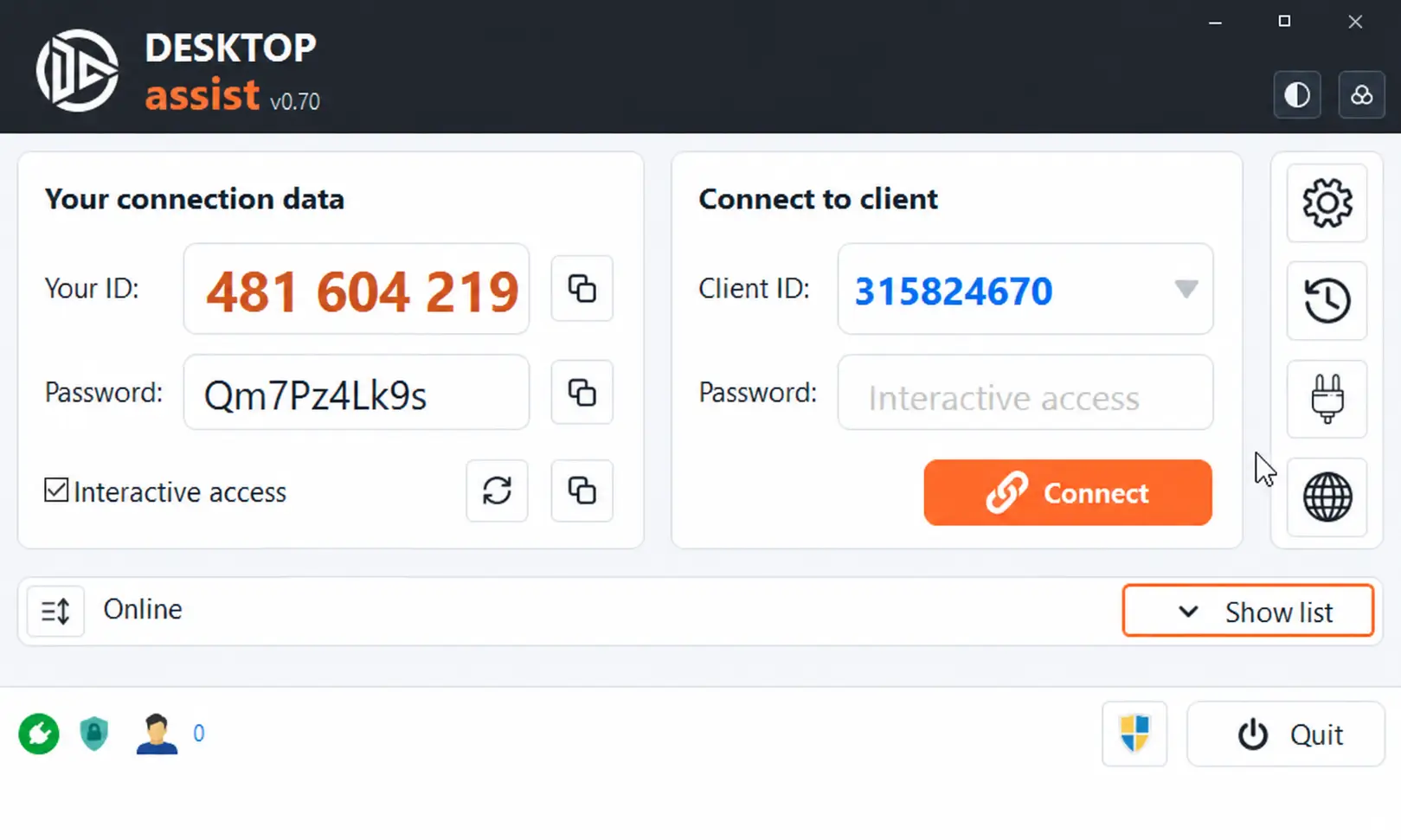
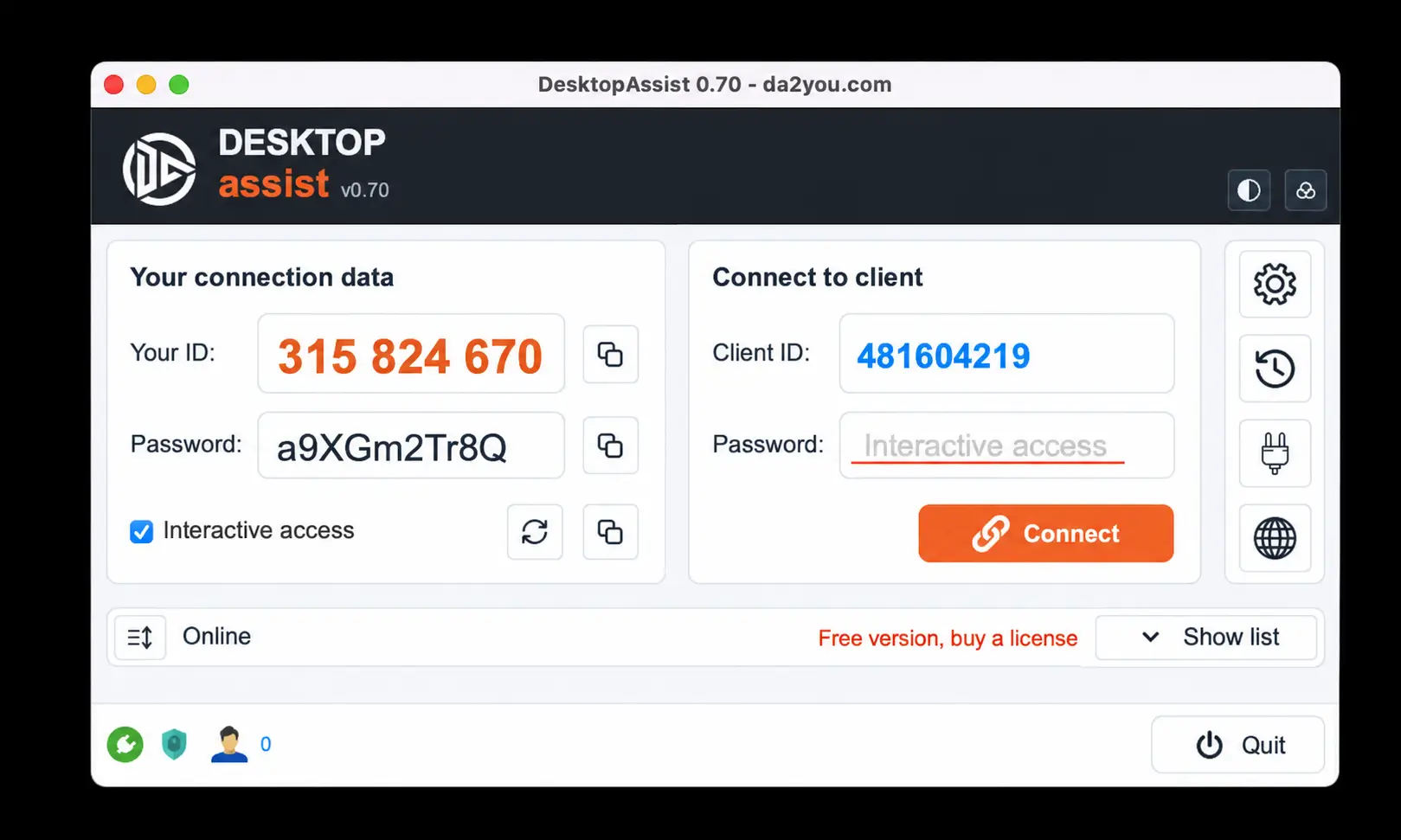
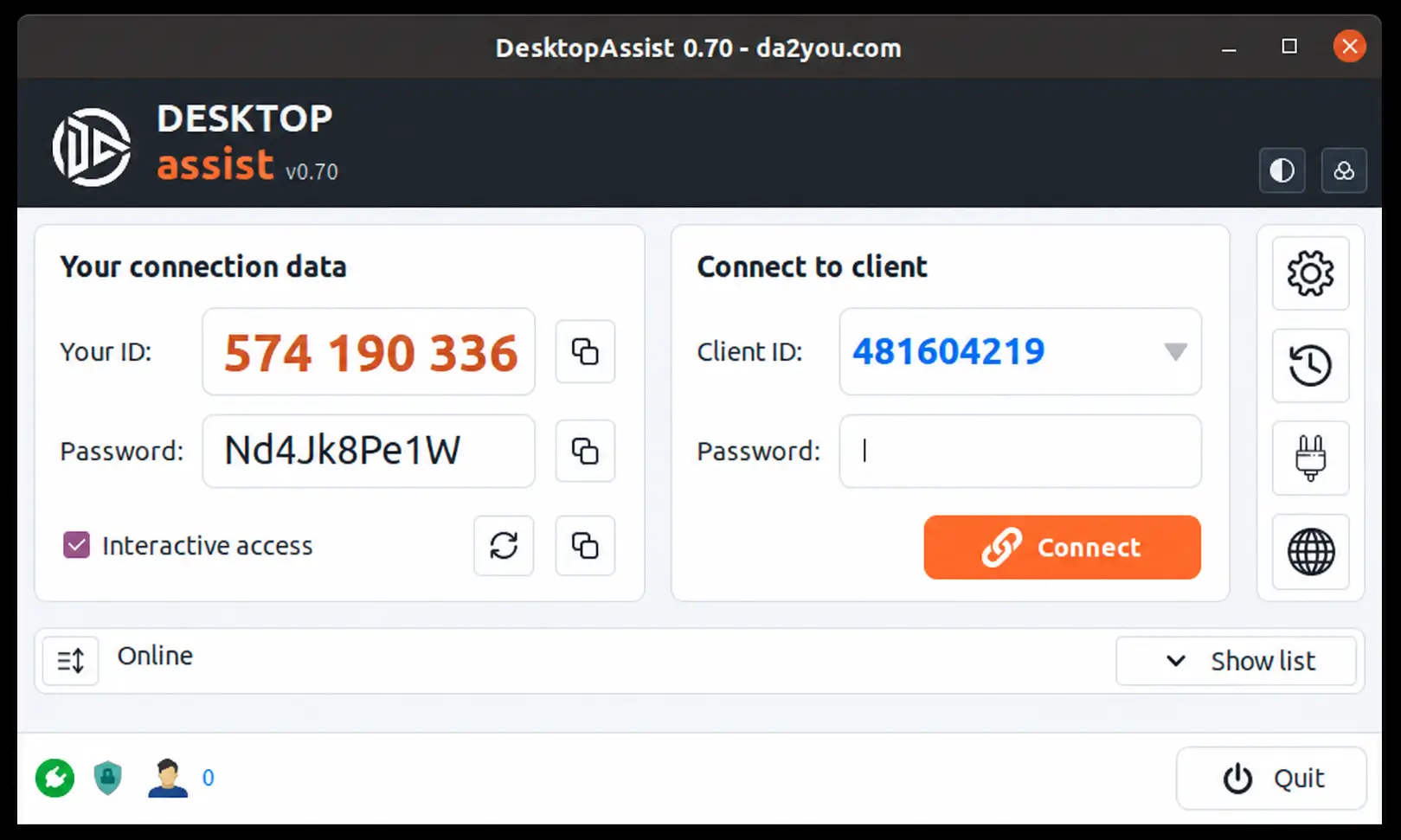
Tema claro, escuro ou cyberpunk e seis cores de destaque. Uma janela pequena mostra apenas o necessário para uma ajuda rápida.
Todas as ligações numa só janela.
Os plugins acrescentam novos tipos de ligação. Abra um servidor Windows por RDP, uma consola por SSH, um computador com VNC ou o painel web de um router num separador, ao lado das sessões do DesktopAssist.
Ambiente de Trabalho Remoto do Windows
Ligue-se a computadores e servidores Windows por RDP. A sessão abre num separador e passa para ecrã inteiro quando precisar.
- Windows
- macOS
- Linux
Terminal SSH
Uma consola para servidores, routers e dispositivos NAS, aberta num separador ao lado das outras ligações.
- Windows
- macOS
- Linux
Visualizador VNC
Ligue-se a computadores com um servidor VNC, com área de transferência de texto nos dois sentidos, ajuste de escala e modo só de visualização.
- Windows
- macOS
- Linux
Painéis web de dispositivos
Abra num separador o painel web de um router, impressora, NAS ou placa de gestão de servidor, junto com o resto do seu equipamento.
- Windows
- macOS
- Linux
- Os plugins instalam-se na aplicação: o botão com a ficha abre a janela de plugins.
- Importe ligações do mRemoteNG e de ficheiros .rdp e acorde um computador em suspensão com Wake-on-LAN.
- No Linux, o RDP e o SSH usam os pacotes do sistema FreeRDP, xterm e OpenSSH, e os painéis web usam o WebKitGTK.
- Na versão gratuita só pode estar aberta uma ligação por plugin de cada vez. Qualquer licença paga remove este limite.
A primeira ligação em três passos.
Abra a aplicação nos dois computadores
Transfira o DesktopAssist e peça à outra pessoa que o abra no computador dela.
Peça o ID e a palavra-passe
Ambos aparecem na janela da aplicação. Partilhe os dados de acesso apenas com pessoas de confiança.
Ligue-se e ajude
Introduza os dados recebidos para iniciar uma sessão encriptada. Agora pode trabalhar no ambiente de trabalho remoto.
Veja a ferramenta com que vai trabalhar.
Uma janela completa com o livro de endereços e os separadores de sessão, ou uma janela compacta para ajuda rápida. Este é o novo DesktopAssist no Windows, macOS e Linux.
Grátis em casa. Flexível no trabalho.
Escolha a moeda e o número de sessões simultâneas. Compare as subscrições com um pagamento anual único.
Grátis
Para ajudar familiares e amigos.
- Uma ligação
- Uma ligação por plugin de cada vez
- Uso privado
- Apoio online
Subscrição de 3 meses
Para um projeto curto ou uma fase de muito trabalho.
- Uma chave, muitos postos de trabalho
- Várias ligações simultâneas
- Ligações por plugin sem limite
- Apoio online
- Personalização
- Renovação automática
Subscrição de 1 ano
Para apoio regular a clientes durante todo o ano.
- Uma chave, muitos postos de trabalho
- Várias ligações simultâneas
- Ligações por plugin sem limite
- Apoio online
- Personalização
- Renovação automática
1 ano
Um ano inteiro com um único pagamento, sem renovação automática.
- Uma chave, muitos postos de trabalho
- Várias ligações simultâneas
- Ligações por plugin sem limite
- Apoio online
- Personalização
- Mais métodos de pagamento
Uma licença, muitos postos de trabalho
Pode usar a mesma chave de licença em muitos postos de trabalho. O plano define o número total de sessões que podem estar ativas ao mesmo tempo com esta licença.
Exemplo: um plano para 3 sessões simultâneas permite 3 ligações no total, independentemente de quantos postos usam a chave. O cliente que recebe ajuda não precisa de uma licença paga própria.
Fale-nos do que precisa.
Precisa de ajuda com a aplicação, na escolha de um plano ou para adicionar o seu logótipo? Diga-nos como podemos ajudar.
- Encontre o plano certo para as suas ligações.
- Obtenha ajuda com um problema da aplicação.
- Crie uma versão para Windows com a imagem da sua empresa.